
Hybrid app development has matured a lot over the last decade. Tools that once felt revolutionary now feel restrictive, while newer frameworks are reshaping how teams think about performance, scalability, and long-term maintenance. Apache Cordova and Capacitor sit at the center of this shift, especially for teams building with a cross-platform framework.
Cordova laid the foundation for hybrid frameworks by allowing web apps to run as native mobile applications. Capacitor, built later by the Ionic team, emerged as a response to real limitations developers faced while scaling Cordova-based apps.
This blog breaks down the core differences between Capacitor and Cordova, explains when each makes sense, and shows why many modern teams are moving toward Capacitor for serious mobile app development.
What is Apache Cordova?
Apache Cordova is an open-source hybrid framework that allows developers to build mobile applications using web technologies like HTML, CSS, and JavaScript. It wraps a web application inside a native container and provides access to device features through plugins.
For example, if you build a simple Angular app and want to access the camera on a phone, Cordova allows this by installing a camera plugin. The plugin acts as a bridge between your JavaScript code and the native camera API.
This approach made Cordova extremely popular for MVP development and early-stage hybrid apps built on the Ionic Framework. However, as applications became more complex and platform expectations grew, the heavy reliance on plugins introduced long-term maintenance challenges.
What is a Capacitor?
Capacitor is a modern hybrid framework created by the Ionic team as a successor to Cordova. While it also allows developers to build apps using web technologies, Capacitor takes a fundamentally different approach to native integration.
Instead of hiding native layers, Capacitor exposes them. Developers get full Android and iOS projects that they can open, modify, and extend directly. Native functionality can be accessed through built-in APIs or custom native code without relying entirely on third-party plugins.
For example, if your Ionic app requires a custom native SDK integration, Capacitor enables you to add that SDK directly in Android Studio or Xcode, while keeping your web code intact.
This makes Capacitor more flexible, scalable, and suitable for long-term mobile app development, especially when choosing the right tech stack for enterprise-grade applications.
Capacitor vs Cordova: Understanding the Core Differences
Below is a practical comparison of Capacitor vs Cordova that focuses on real development experience rather than surface-level features.
| Aspect | Apache Cordova | Capacitor |
|---|---|---|
| Architecture | Uses a plugin-heavy bridge to access native APIs, creating dependency risks over time | Uses a lightweight native runtime with direct native API access |
| Native Project Access | Native projects are mostly treated as build outputs and not meant to be edited | Android and iOS projects are first-class and fully editable |
| Plugin Dependency | Heavily dependent on third-party plugins for most native features | Reduced plugin reliance with support for custom native code |
| Framework Support | Works best with older Angular-centric setups | Framework-agnostic, supports Angular, React, Vue, and vanilla JS |
| Updates & Maintenance | Slower updates, plugin compatibility often lags behind OS changes | Actively maintained with faster support for new platform APIs |
This architectural shift removes the feeling of working inside a black box and gives developers direct control over how their apps behave on native platforms.
When to Use a Capacitor
A capacitor is ideal for building modern, scalable mobile applications that require frequent updates and long-term maintenance. It works particularly well for apps that require deeper native integration, improved performance, and more streamlined debugging workflows. Teams focused on enterprise use cases, complex features, PWA development, and future scalability will benefit most from Capacitor’s architecture.
When to Use Cordova
Cordova still makes sense in specific scenarios, especially for legacy applications. If an app is stable, heavily dependent on existing Cordova plugins, and does not require frequent updates or new features, continuing with Cordova may be the most practical option. However, for new development or evolving PWA frameworks, its limitations become increasingly restrictive.
How Capacitor Performance Enhances Modern App Development
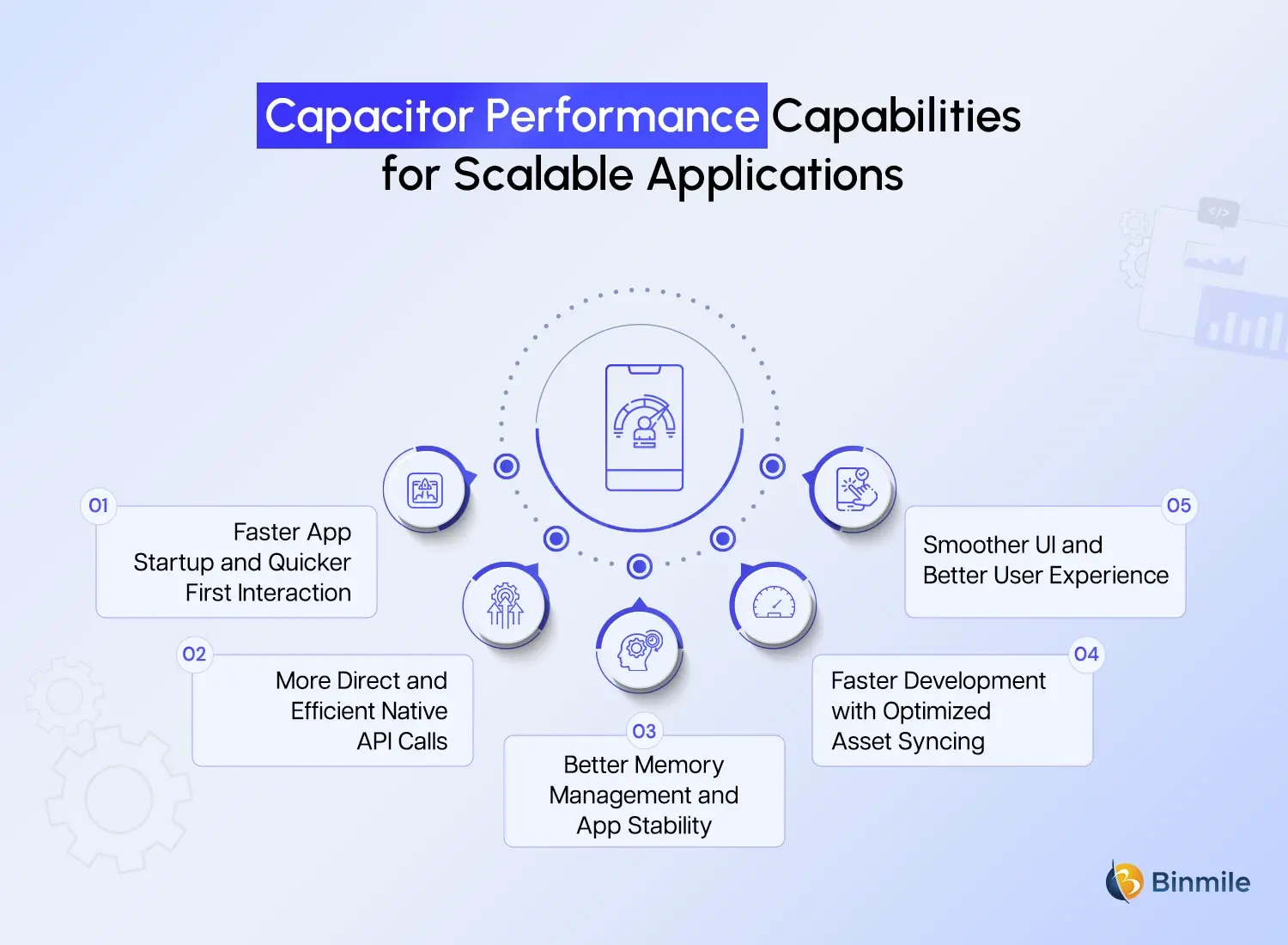
Capacitor’s performance improvements are not accidental. They come from clear architectural choices that reduce unnecessary layers and give developers better control over how the app behaves at runtime. Below are the key performance advantages, explained practically.
-
Faster App Startup and Quicker First Interaction
The capacitor keeps the native runtime lightweight, so the app can start up quickly. Capacitor versus Cordova: Capacitor gets loaded with a minimal setup, while Cordova gets loaded with multiple plugins and bridges during launch. As a result, the app opens quickly and feels responsive. For users, this means a decrease in wait time and a “native-like” feel.
-
More Direct and Efficient Native API Calls
In Capacitor, the communication between the web layer and native APIs is better. Rather than having to deal with multiple plugin layers, Capacitor can provide cleaner and more direct native calls. This is the reason for the quicker responses when using device features, such as accessing the camera, geolocation, file storage, or sensors, which is crucial for feature-heavy hybrid and PWA development projects.
-
Better Memory Management and App Stability
Capacitor handles app lifecycle events, such as backgrounding, foregrounding, and app termination, more predictably. This improves memory usage and reduces the risk of memory leaks. In real-world usage, this leads to fewer crashes, smoother multitasking, and better performance on lower-end devices as well.
-
Faster Development With Optimized Asset Syncing
Capacitor optimizes builds, which is a major plus for developers. While syncing web assets, instead of rebuilding the entire project, Capacitor updates only the modified files. As a result, builds are quicker, testing cycles are accelerated, and developers can break workflow barriers by iterating without snagging.
-
Smoother UI and Better User Experience
With improved web to native layer interaction, the perceived quality of the app and user engagement increase due to the fluidity of animations, scrolling, gestures, and transitions. This is especially important for app store ratings.
Still stuck managing Cordova plugins and upgrade issues?

What is the Role of an Ionic Developer in Choosing the Right Framework?
An Ionic developer plays a strategic role in deciding between Cordova and Capacitor. The choice affects not just development but long-term product success.
The initial step is assessing the size of the project. Short-term or smaller applications may operate on Cordova, but larger or more expanding applications thrive on the flexibility and performance of Capacitor. Evaluating requirements for native functionality is equally important. Applications that entail additional custom native development, varying third-party SDKs, or other platform-specific attributes are more easily handled with Capacitor’s greater native openness.
Another vital area of focus is planning for maintenance over an extended duration. A capacitor’s harmony with contemporary tools helps lower technical debt. This ease of alignment helps make performance upgrades more straightforward. Smooth performance and high responsiveness are vital attributes for end-user applications, and Capacitor offers this and more consistently.
Teams working with experienced Ionic developers, such as those at Binmile, benefit from this balanced evaluation. Their expertise helps organizations choose frameworks that align with both immediate requirements and long-term growth.
What is the Migration Guide For Switching From Cordova To Capacitor?
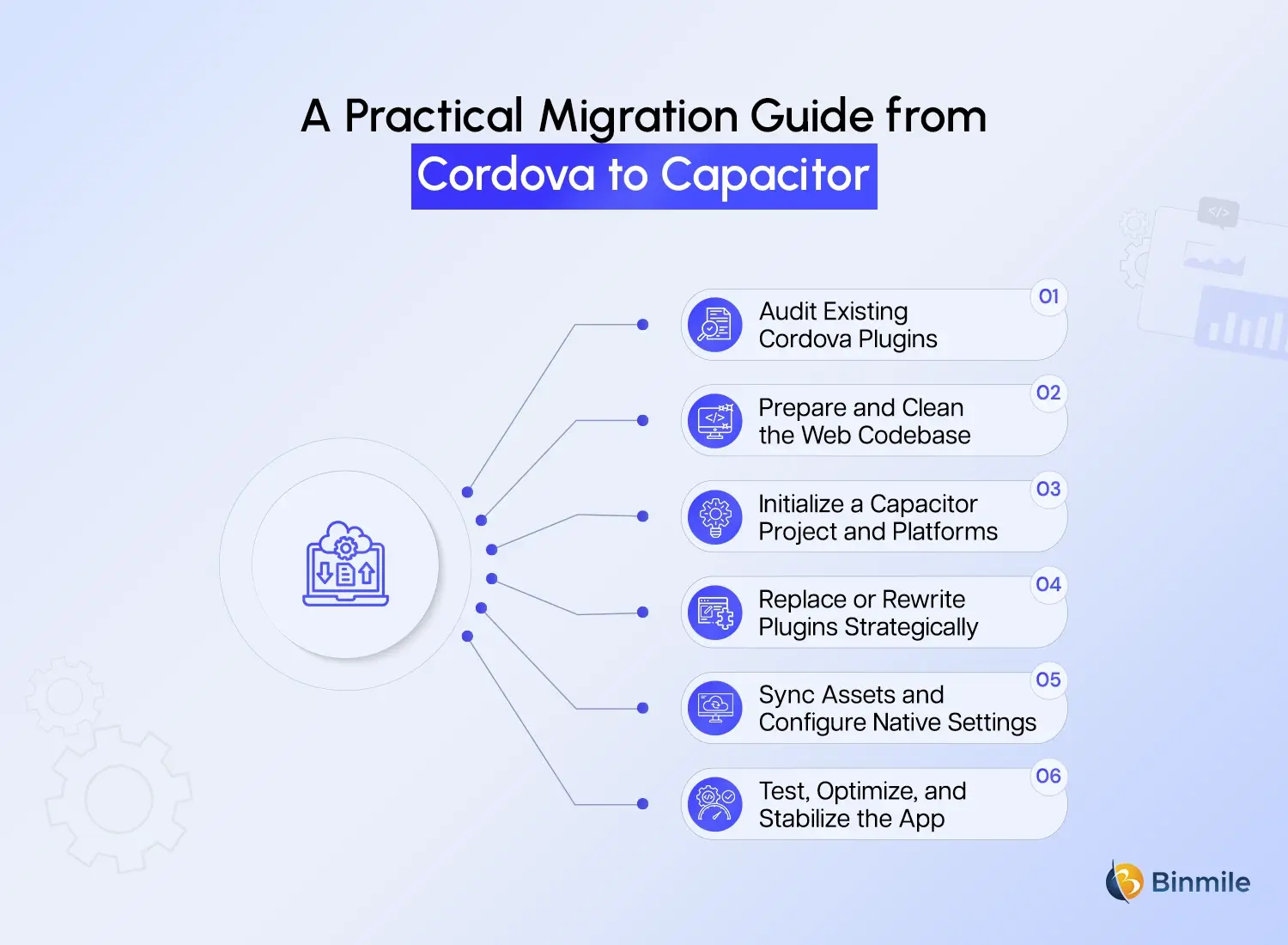
Migrating from Cordova to Capacitor does not have to be overwhelming. When done step by step, the process is predictable and gives teams better control over their codebase. Below is a structured approach, with each stage explained clearly.
-
Audit Existing Cordova Plugins
The first and arguably most important part of this process will be figuring out what plugins for Cordova are being used. Determine which plugins are essential for use, and which plugins are officially supported. Determine which plugins have community support for use. Also, determine which plugins may need custom coding at the native level. Completing this process will give valuable insight into what to expect for the adaptive process.
-
Prepare and Clean the Web Codebase
The web code for the application will need to be organized and cleaned up. To prepare for the addition of a capacitor, the code will need to follow framework best practices. Organize and modularize the code to simplify the migration process and to reduce issues with the web code post migration.
-
Initialize a Capacitor Project and Platforms
Once the code is organized, Capacitor can be initialized, and the Android and iOS platforms can be added. At this step, proper native projects are created, and the application can be managed in Android Studio or Xcode. At this stage, the application will use Capacitor as the native runtime.
-
Replace or Rewrite Plugins Strategically
It’s recommended that you replace Cordova plugins with Capacitor plugins. For features that lack direct replacements, you should implement custom native functionality using Capacitor’s plugin system. This method usually enhances performance, improves flexibility for developers, and reduces reliance on third-party integrations.
-
Sync Assets and Configure Native Settings
After the plugins are migrated, synchronize the web assets with each native platform. Set the platform-specific configurations, which include permissions, app icons, splash screens, and build settings. Since Capacitor sees native projects as first-class citizens, these configurations are more straightforward and transparent than they are with Cordova.
-
Test, Optimize, and Stabilize the App
Conduct comprehensive testing on a wide range of devices and operating systems for the final stage. Pay attention to edge cases, the behavior of native features, and the app lifecycle. This stage is also a good opportunity to optimize the app’s performance, cut down on memory consumption, and streamline UI memory interactions for production readiness.
By following this structured approach, teams can migrate from Cordova to Capacitor with minimal risk while gaining better performance, maintainability, and control over their mobile applications.
Real-World Gains After Migration From Cordova To Capacitor
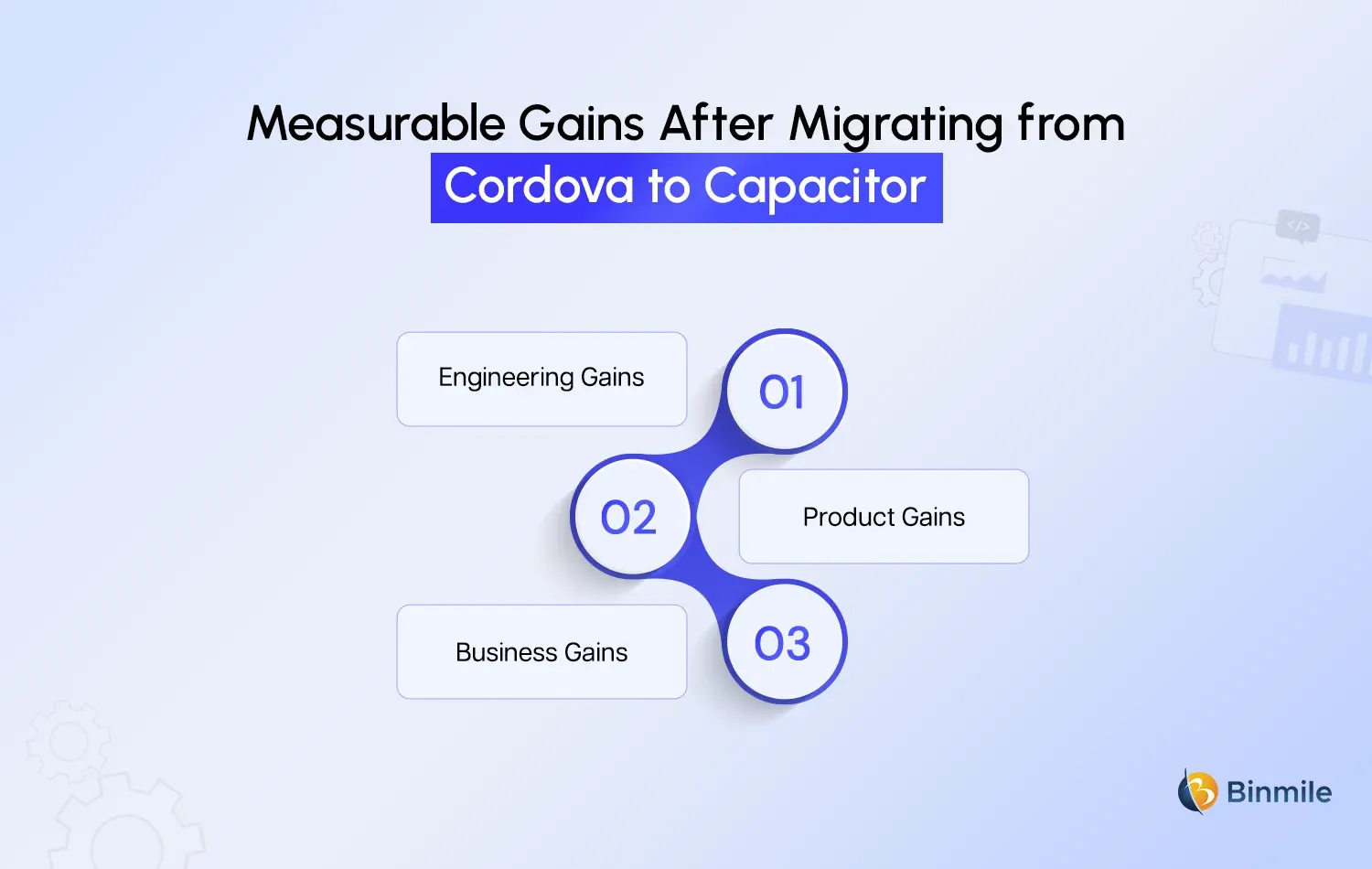
The impact of moving to Capacitor was measurable across engineering, product, and business outcomes.
-
Engineering Gains
From an engineering perspective, build cycles became significantly faster, reducing release friction. Dependency conflicts decreased due to fewer plugin dependencies, and production bugs dropped as debugging became more transparent. Onboarding new developers also became easier because native project structures were clearer and more familiar.
-
Product Gains
On the product side, app ratings improved as users experienced better performance and smoother interactions. Feature releases became faster, offline capabilities strengthened, and UI responsiveness improved noticeably.
-
Business Gains
From a business standpoint, maintenance costs dropped due to reduced technical debt. MVP development cycles accelerated, and the platform scaled more effectively for enterprise use cases. These outcomes reinforced the decision beyond pure technical preference.
Thinking about migrating from Cordova to Capacitor, but unsure where to start?

How Binmile Supports Capacitor-Based Mobile Development?
Capacitor aligns naturally with modern mobile development needs. It supports Progressive Web Apps, Android app development, hybrid app development, and a cross-platform framework from a single codebase. Its architecture enables long-term scalability without sacrificing native control. Capacitor projects feel less like workarounds and more like real native applications powered by web efficiency, making them suitable for both startups and enterprises.
Modern hybrid app development demands frameworks that balance performance, flexibility, and maintainability. Capacitor fulfills this need by enabling teams to build scalable mobile applications while retaining full control over native functionality.
With deep experience in Ionic App Development, hybrid frameworks, and mobile app development tools, Binmile helps organizations adopt Capacitor strategically. From migration planning to performance optimization, the focus remains on building future-ready mobile solutions that scale with business growth rather than limiting it.