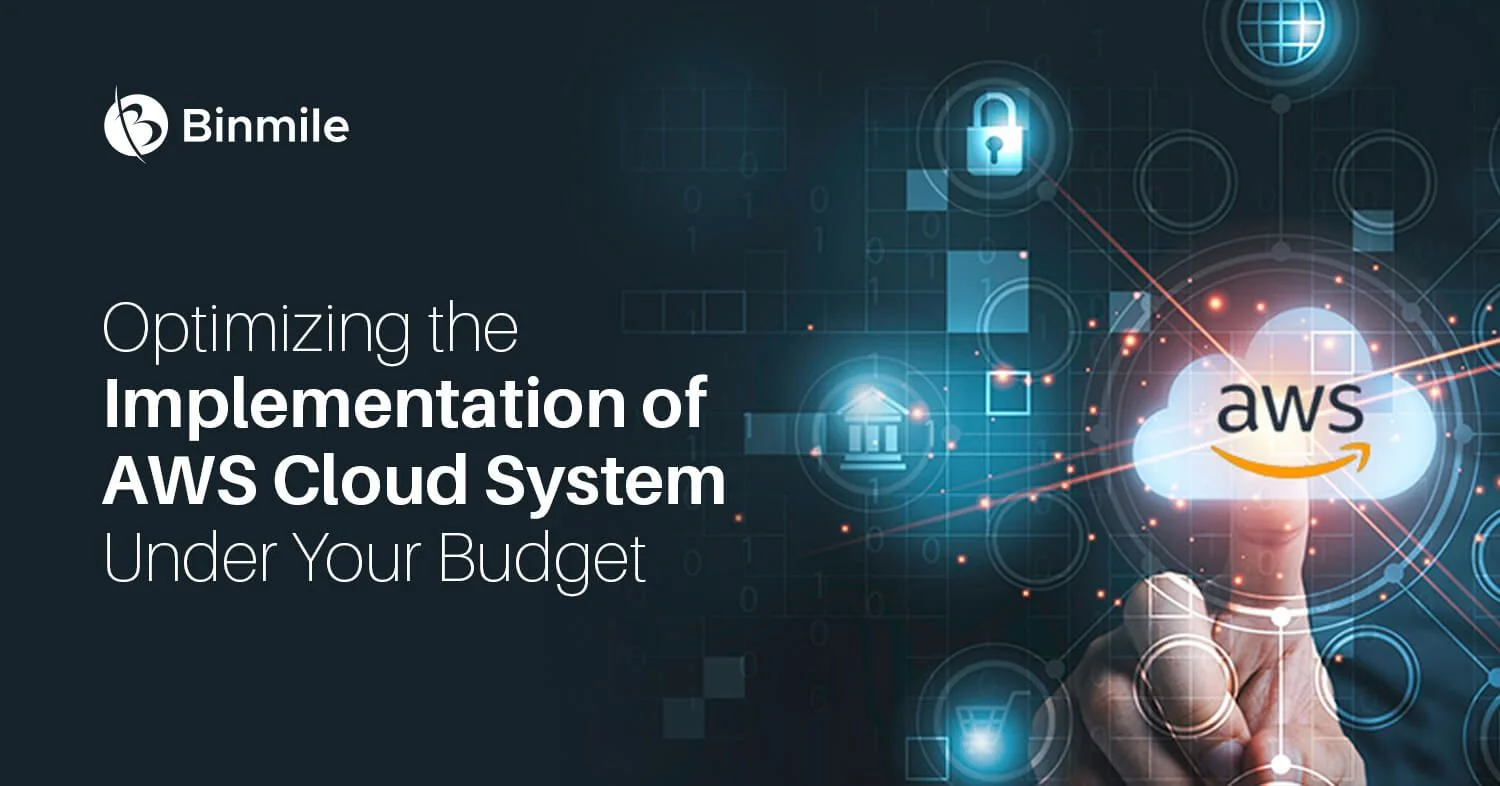
Migration to cloud infrastructure can often be expensive, especially for large organizations. However, AWS (Amazon Web Services) is a popular cloud platform, and its costs can keep adding up without proper planning and optimization.
In fact, as per the recent prediction by Gartner, Inc, global spending by end-users on public cloud services is expected to increase by 20.7% to reach $591.8 billion in 2023, up from $490.3 billion in 2022. Moreover, this growth rate is higher than the projected 18.8% increase for 2022.
In this blog, we will discuss how to keep AWS migration costs within your budget. We will explore a solid cloud migration strategy and various AWS cost optimization techniques.
Ultimately, whether you are starting your cloud journey or optimizing your existing AWS infrastructure, this guide can help. It provides practical tips and best practices to stay within budget. It also helps you achieve your desired cloud migration outcomes.
What is the Purpose of Cloud Migration?
Essentially, cloud migration moves an organization’s computing resources and applications to the cloud. It transfers them from on-premises data centers or traditional IT infrastructure. This enables businesses to leverage cloud computing benefits such as scalability, accessibility, reliability, and cost-effectiveness.
Moreover, the ultimate goal of cloud migration is to modernize an organization’s IT infrastructure and improve its overall efficiency and agility in supporting business operations and growth.
What does the Cloud Migration Process Involve?
A cloud migration process involves moving data, applications, and workloads from an on-premises or legacy IT framework to the cloud, using migration services, data center migrations, and AWS migration services.
Other elements of the cloud migration process include planning and strategizing. They also cover testing and validation, data migration, workload optimization, and ongoing management and monitoring.

Creating a Successful Cloud Migration Plan
Developing a comprehensive cloud migration plan is essential for organizations. It helps them move from on-premises data centers to the cloud. This transition improves efficiency and delivers cost savings.
Listed below are some methods businesses can use to budget for AWS cloud migration
1. Develop a Cloud Migration Strategy
A successful cloud migration strategy is essential for a smooth transition from on-premises data centers to the cloud.
Here are some methods businesses can use to develop their migration strategy. These include data center migrations, AWS migration services, and cloud migration services:
- Assess Current IT Environment: Assess your IT environment’s hardware, software, and data. It will assist in determining what needs replacement and what needs migration.
- Define Migration Goals and Objectives: Define your aims and targets, the migration’s timeline, and the outcomes you hope to achieve. Throughout the migration process, this will assist you in staying focused and on course.
- Choose the Right Migration Approach: There are several migration strategies, such as lift and shift, re-architecting, and refactoring. Considering costs, complexity, and risk will help you choose the correct approach.
- Select a Cloud Provider: Choose one that meets your needs and offers the necessary services and support. AWS migration services are a popular choice for organizations looking to migrate to the cloud.
- Develop a Detailed Migration Plan: Create a thorough migration plan that outlines every step of the migration process, the resources needed, the risks involved, and the timeline.
Businesses should inform all stakeholders of this plan, which Businesses should update as necessary. - Test the Migration: To ensure everything is operating as it should before moving to the cloud, test the migration in a test environment. In doing so, you’ll be able to spot any problems that need fixing before you complete the migration.
- Install and Track the Migration: It is time to install and test the migration plan once it has been established. Verify that the migration is going as expected and that no problems need resolving.
2. Use AWS Cost Optimization Techniques
Cost optimization is an essential aspect of cloud transfer strategies. It helps organizations move their infrastructure to the cloud while keeping costs under control.
Listed below are some AWS cost optimization techniques:
- Use Cloud Migration Consulting Services: A cloud migration consultant can help organizations identify areas to optimize costs and develop a cost-effective cloud migration strategy.
- Right-Size Your Instances: When moving to AWS, it is essential to use the appropriate instance type for your workloads. Over-provisioning may incur extra expenses.
- Use Cost-Effective Storage Options: Storage options provided by AWS include Amazon S3, Amazon EBS, and Amazon Glacier. Businesses can pick the option that best fits their requirements and financial constraints.
- Use Cost-Saving Services: AWS offers services that can reduce business costs, like Amazon EC2 Auto Scaling and Amazon Trusted Advisor.
- Track and Control Usage: By monitoring usage patterns, businesses can identify areas where they can reduce costs and optimize their cloud infrastructure.
- Install Cost Allocation Tags: Businesses can manage and optimize their AWS spending by using cost allocation tags, which allow them to track costs by application, environment, or business unit.
- Use the AWS Cost Explorer: Companies can track and manage their AWS costs using the tools provided by the AWS Cost Explorer, which also offers suggestions for cost-saving measures.
- Leverage Cloud Migration Services: Cloud migration services, such as AWS Migration Hub, can help organizations streamline their migration process, reduce costs, and optimize their cloud infrastructure.
3. Evaluate Cloud Infrastructure Requirements
Whether you need help with cloud cost optimization or cloud migration consulting, Binmile has you covered. Our experts also guide you through every stage of the cloud migration process.
Here are several methods you can use to test cloud infrastructure requirements:
- Assess Current Infrastructure: To start, assess your existing on-premise infrastructure to identify your resources, your needs, and any opportunities for optimization.
- Define Business Objectives: Defining your business objectives will help you determine what your cloud infrastructure needs to support.
- Check Cloud Provider Options: To find out which cloud provider can best meet your infrastructure needs, investigate and test the various options.
- Consider Scalability: Make sure your cloud provider can handle future growth by considering your infrastructure’s scalability.
- Analyze Cost: Analyze each provider’s prices to decide which provides the best value for your company.
- Security and Compliance: Verify each provider’s security and compliance features to ensure your data is protected and adheres to legal requirements.
- Service Level Agreements (SLAs): Test each provider’s service level agreements (SLAs) to ensure they meet your organization’s needs.
- Technical Support: Check the technical support offered by each provider and ensure that you have access to the help you need when you need it.
- Performance: Evaluate the performance of each provider and ensure that their infrastructure can meet your performance requirements.
- Migration Considerations: Consider the migration process and ensure that the provider you choose has the cloud migration tools and resources to make the migration process as smooth as possible.
4. Use Cost-Effective AWS Services
There are several methods to use cost-effective AWS services, including:
- Spot Instances: Spot instances let you bid at a lower cost than on-demand instances on available Amazon EC2 capacity. It might be a reasonable choice for flexible workloads.
- Autoscaling: You can modify your resource capacity to meet shifting demand while reducing waste with the help of autoscaling.
- Amazon CloudFront: Amazon CloudFront is a content delivery network that can cache static and dynamic web content, reducing the load on your web servers and improving performance.
- AWS Trusted Advisor: AWS Trusted Advisor provides best-practice recommendations for cost optimization, security, and performance.
- AWS Cost Explorer: AWS Cost Explorer gives you visibility into your AWS cost and usage data, allowing you to track expenses, anticipate fees in the future, and make the best use of your resources.
- AWS Cost and Usage Reports: To help you better understand your charges and decide how to cut costs, AWS Cost and Usage Reports give you detailed information about your AWS costs and usage.
- Cloud Migration Consulting: Engaging a cloud migration consultant can provide expertise in cost optimization and help you develop a cloud migration strategy that maximizes cost savings.
Ways to Plan and Control the Cost of AWS Cloud Migration
Budgeting for an AWS cloud migration can be complex, but it is necessary to ensure a successful transition. To budget for your migration, consider the following steps:
-
Assess Your Current Infrastructure and Workloads
For information on what needs migration and the resources required, understand your data center’s current state and workloads.
-
Determine the Scope of Your Migration
Establish a migration plan and a timeframe for moving to the cloud. This will assist you in determining the resources, such as staffing, software, and hardware, that you will require for the migration.
-
Calculate the Costs of Migration
Determine the costs of migration, including the costs of hardware, software, staffing, and services. Consider the costs of cloud migration services, consulting, and any other costs associated with the migration.
-
Develop a Budget
Create a budget for your migration based on your calculations, considering any unforeseen expenses that may occur.
-
Track Costs
To ensure your spending stays within your budget during the migration process, keep an eye on your expenses. Tracking costs will enable you to identify areas where prices are rising and modify your spending plan.
Conclusion
Although moving to the cloud can be complicated, the process can go smoothly and affordably with careful planning and budgeting. Businesses can achieve their desired outcomes and take full advantage of cloud computing by putting the appropriate tools, techniques, and strategies in place.
We understand the importance of cloud migration as a software development company and offer various cloud migration services to help organizations achieve their goals. Whether you need help with cloud cost optimization or cloud migration consulting, Binmile has you covered. Our experts also guide you through every stage of the cloud migration process.
Connect with us today and learn more about how we can help you on your cloud migration journey.
Frequently Asked Questions
The right strategy depends on your business goals, application portfolio, and infrastructure. Many organizations reduce costs by assessing workloads, prioritizing migration phases, optimizing cloud resources, and selecting the most suitable migration approach.
Migration costs depend on application complexity, infrastructure size, data transfer, cloud architecture, licensing, security requirements, migration tools, testing, optimization, and ongoing cloud management.
Organizations can minimize unexpected costs by performing workload assessments, creating a detailed migration roadmap, estimating cloud resource usage, monitoring spending, and continuously optimizing AWS services after migration.
AWS helps businesses improve scalability, operational efficiency, security, disaster recovery, performance, and infrastructure flexibility while enabling faster innovation and long-term cost optimization.
An experienced AWS migration partner helps design the right migration strategy, modernize applications, optimize cloud architecture, minimize downtime, control migration costs, and accelerate business transformation.